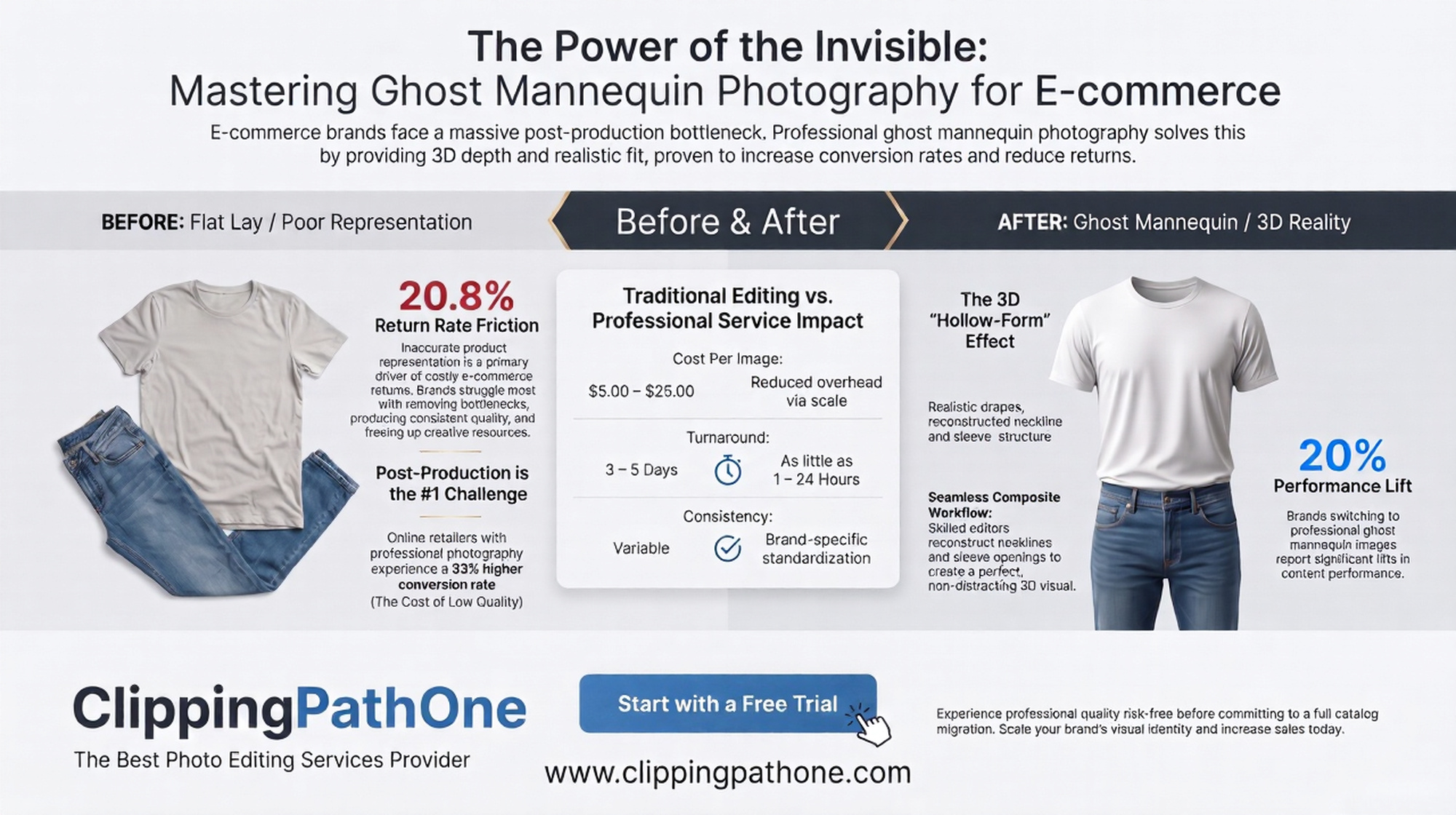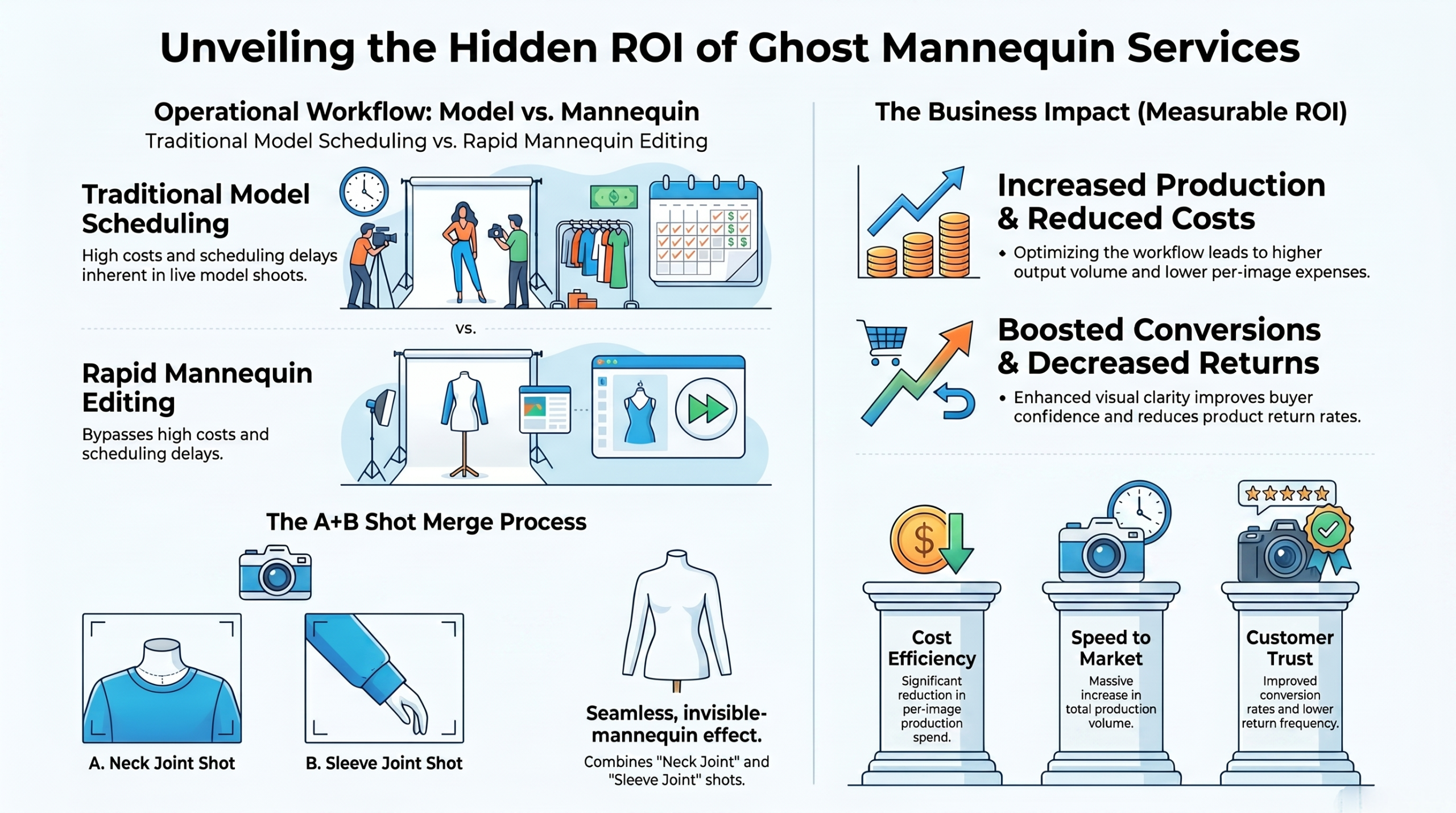
Ghost Mannequin Photography: A Step-by-Step Guide to Mastering the 3D Effect
Poor ghost mannequin image quality usually results from bad studio lighting, messy styling, and careless photo editing. To fix this, you must shoot the garment on a matte mannequin, capture the inner neck details, and blend them perfectly. Ultimately, mastering these core steps guarantees a premium 3D hollow effect.
Why do some clothing shots look like cheap knock-offs? The answer lies in the details. When you rush the process, the ghost mannequin image quality drops drastically. Lighting casts harsh shadows, wrinkles look messy, and the cutouts seem unnatural. Bad photos hurt sales instantly. To summarize, poor execution at any stage ruins the final ecommerce image.
Many online sellers ask why their ghost mannequin image quality bad results keep happening. Often, they skip steaming the clothes or use the wrong camera settings. You need precise focus and soft lighting to capture fabric textures correctly. Using a professional service like Clipping Path One can easily solve these editing headaches. Essentially, fixing basic studio mistakes elevates your entire product catalog.
What is ghost mannequin photography?
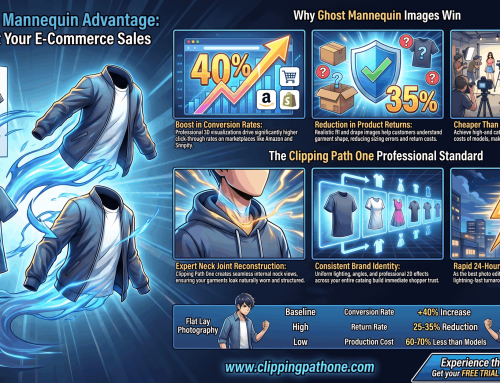
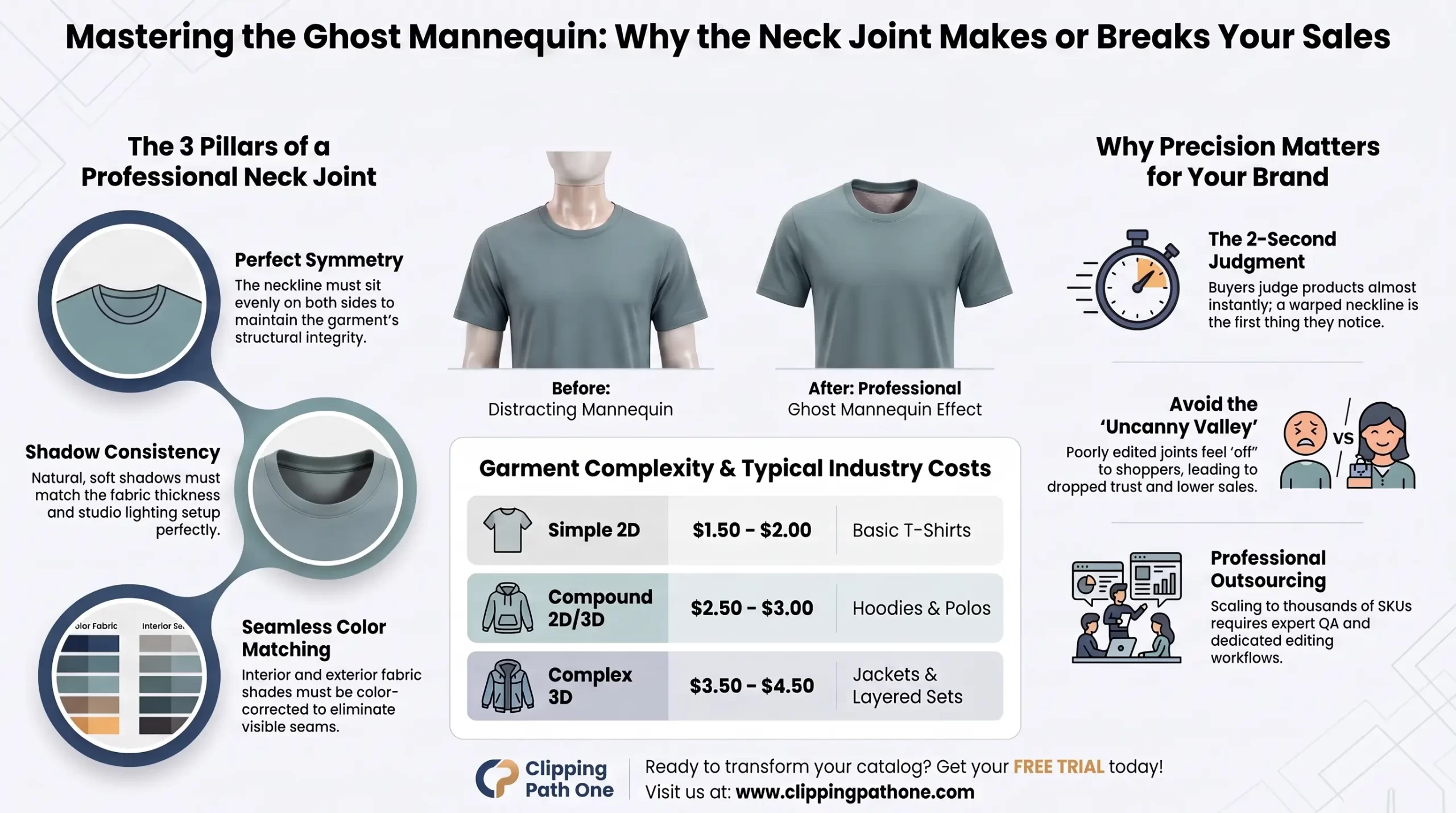
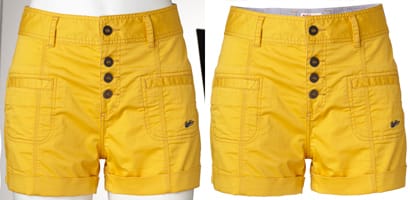
Ghost mannequin photography is a popular ecommerce technique that makes clothing look like it is worn by an invisible person. Photographers shoot the garment on a doll, remove the doll during editing, and stitch the back neck area into the final shot. Briefly, this method gives flat clothing a realistic 3D shape.
If you search online and ask, “what is a ghost mannequin?”, you will find it is simply a modular doll with removable parts. You take out the neck or chest pieces so they do not block the inside of the shirt or jacket. This makes the editing phase much faster. In short, using the right equipment creates the invisible effect seamlessly.
Ghost mannequin vs flat lay vs on-model
| Feature | Ghost Mannequin | Flat Lay | On-Model |
| Visual Appeal | 3D, realistic, clean | 2D, simple, top-down | Lifestyle, relatable |
| Cost | Medium | Low | High (models, makeup) |
| Best For | Jackets, shirts, dresses | T-shirts, basic items | High-fashion, hero images |
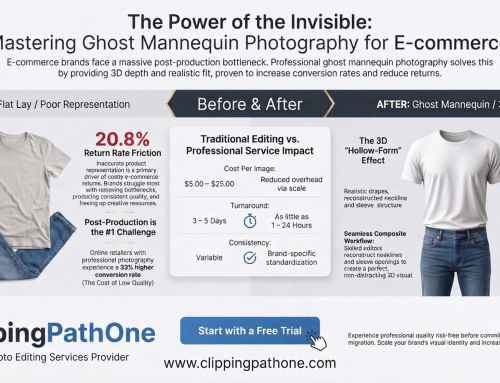
Choosing the right style matters. A ghost mannequin image quality comparison clearly shows that the 3D effect offers better shape details than a basic flat lay. While models add a human touch, they also distract from the product itself. Therefore, the invisible style provides the best balance of focus and form.
How to shoot ghost mannequin photos: step by step
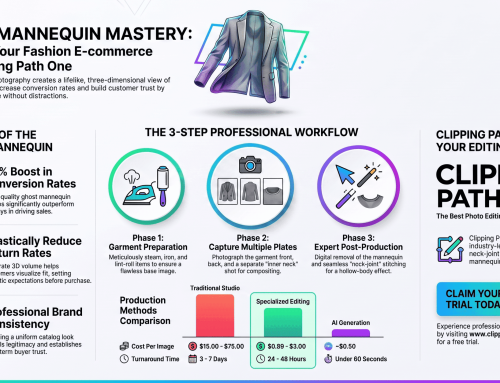
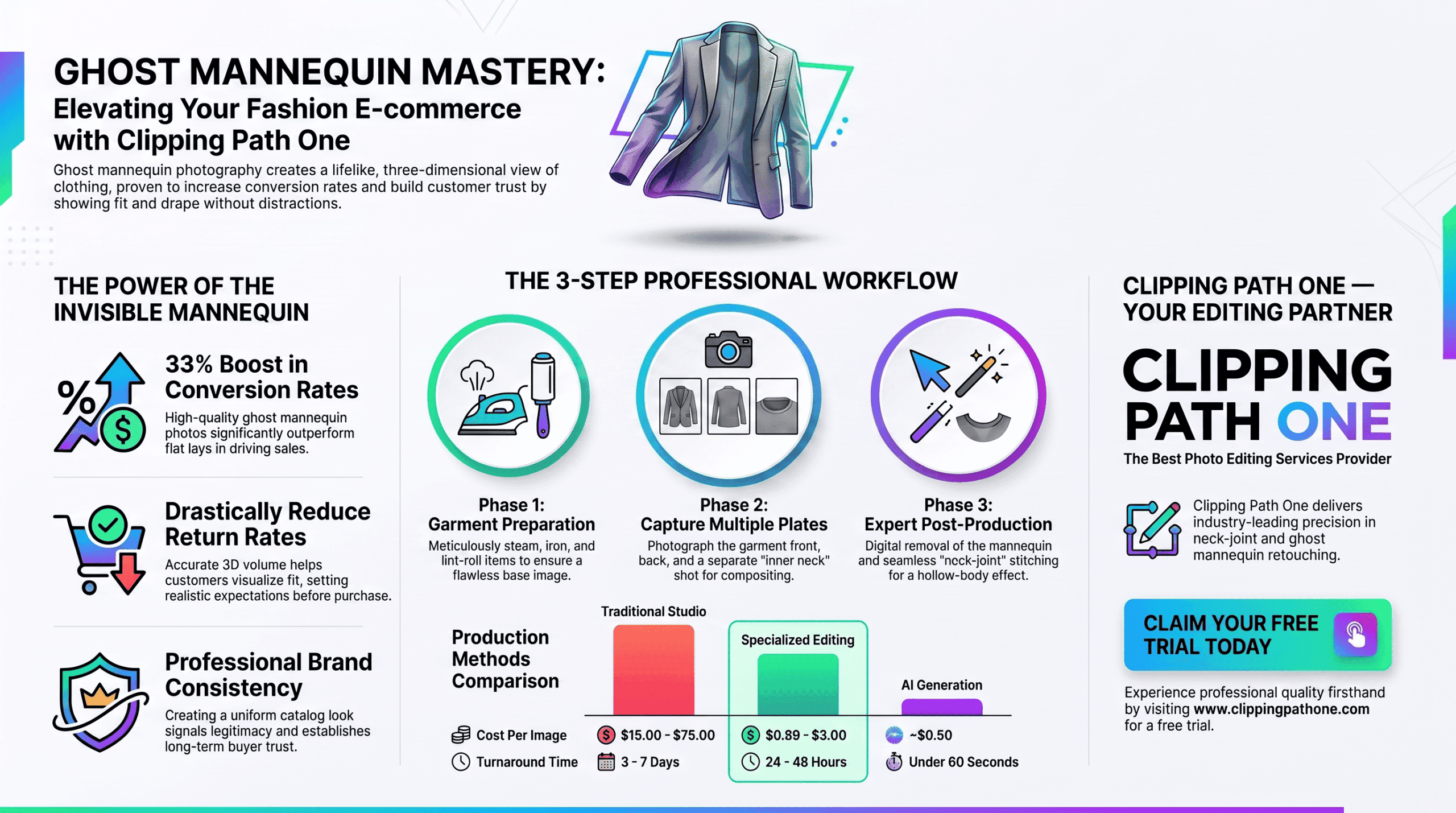
Creating flawless shots requires a strict workflow. First, gather your tools, set up your studio, and prepare the clothing. You cannot skip these vital preparation stages. To summarize, a structured approach is the key to professional results.
Step 1 — Set up your studio and lighting
Good studio lighting makes or breaks your work. Use two softbox lights placed at a 45-degree angle to illuminate the garment evenly. Adjust your ghost mannequin image quality settings on the camera to an aperture of f/8 or higher for sharp focus. Basically, soft lighting and a narrow aperture keep the entire product sharp.
Step 2 — Style and dress the mannequin
If you ever look at a standard picture of a mannequin, you notice it lacks shape without clothes. Dress the doll carefully, pin back loose fabric, and steam out every single wrinkle. Symmetry is vital here. In summary, neat styling prevents hours of tedious retouching later.
Step 3 — Photograph front, back, and interior
Capture the front shot, then turn the doll to shoot the back. Next, turn the garment inside out to photograph the inner neck label area. This interior shot is crucial for building the 3D illusion later. Simply put, you need multiple angles to composite the final image.
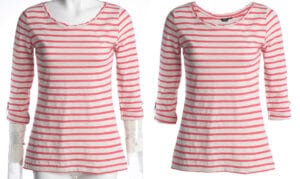
How to edit the ghost mannequin effect in Photoshop
Editing merges your separate photos into one flawless invisible illusion. You will use clipping paths, masks, and warp tools to blend the front and inner neck shots. If you lack skills, a ghost mannequin image quality enhancer tool might help slightly. However, manual editing always yields the best professional outcome.
Step 1 — Open your files and create layers
Load both your front garment photo and the inner neck photo into your workspace. Unlock the background layers and align them roughly. Organization is crucial. To summarize, starting with clean layers prevents confusion during the masking process.
Step 2 — Select and mask the mannequin
Use the Pen Tool to draw a precise path around the clothing. This step isolates the garment from the background and the plastic doll. Doing the ghost mannequin in photoshop requires patience and a steady hand. Ultimately, accurate selections are the foundation of a clean image.
Step 3 — Composite the interior shot
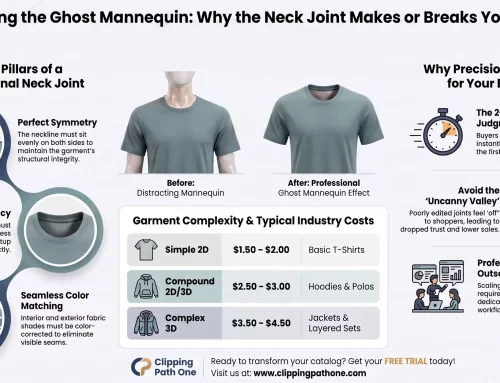
Place the inner neck shot behind your main front layer. Use the warp tool to align the shoulder seams perfectly. The ghost mannequin effect in photoshop comes to life in this exact moment. Basically, blending these two images creates the hollow 3D look.
Step 4 — Clean up, add shadow, and export
Refine your edges and remove any leftover dust spots. Add a subtle drop shadow to give the garment natural depth. Export the file as a high-resolution JPEG or PNG. In short, adding realistic shadows makes the final edit look completely natural.
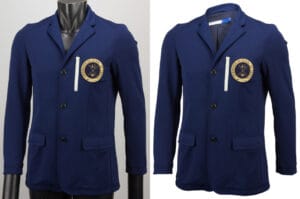
ghost mannequin services
The AI shortcut: ghost mannequin photos without a studio
AI tools now offer a fast alternative to traditional photography studios. You can upload a flat image, and the software generates a 3D fit automatically. While fast, the results often lack true fabric texture. In summary, AI provides speed but struggles with complex garment details.
Can AI replace traditional ghost mannequin photography?
Currently, AI cannot fully replace manual photography for high-end luxury brands. A common complaint on a ghost mannequin image quality reddit thread highlights that AI often distorts logos and fine stitching. Real cameras capture true depth. Therefore, traditional methods remain essential for premium quality.
If you search for “ghost mannequin photography near me” or “ghost mannequin photography nyc“, you will find many studios thriving despite AI. Professional photographers understand lighting nuances that machines currently miss. When you tell a photographer, “show me a picture of a mannequin setup,” their expertise is immediately obvious. Ultimately, human skill outshines automated tools for critical catalog work.
Expert tips & tricks for perfecting your ghost mannequin shots
Steam Everything: Wrinkles look terrible and distract buyers.
Use Matte Mannequins: Shiny plastic reflects studio lights.
Pin Strategically: Use clips at the back to show the garment’s true fit.
Outsource Editing: Use experts like Clipping Path One for volume work.
Following these tips improves your output instantly. Good ghost mannequin photography relies heavily on careful preparation before the camera ever clicks. Rushing the setup always leads to a cheap-looking final product. To summarize, taking your time during prep saves money during post-production.
Conclusion
Achieving perfect ghost mannequin image quality requires patience, proper lighting, and precise Photoshop skills. Cheap-looking images result from skipped steps, wrinkly clothes, and bad masking. By mastering the studio setup and the editing composite, you instantly elevate your brand’s visual appeal. In conclusion, high-quality invisible mannequin shots build buyer trust and drive more sales.
Frequently asked questions
What is ghost mannequin photography?
It is a technique where clothes are photographed on a doll. The doll is then removed in editing. This creates a 3D, hollow appearance. In short, it makes clothes look worn by an invisible person.
How much does ghost mannequin photography cost?
Costs vary based on volume and studio location. It typically ranges from $15 to $50 per image. Doing it yourself saves money but costs time. Briefly, professional rates depend on the complexity of the clothing.
What mannequin should I buy for ghost mannequin photography?
Buy a modular, matte white mannequin with removable neck and arm pieces. Removable parts make capturing the inside collar much easier. Shiny mannequins cause bad reflections. In summary, modular matte dolls are the industry standard.
Does Amazon require ghost mannequin photos?
Amazon prefers clean product photos on a pure white background. While not strictly required, the invisible effect meets their standards perfectly. It removes distractions. Ultimately, this style boosts conversion rates on major marketplaces.
Why does my ghost mannequin image quality look bad?
Bad quality comes from harsh lighting, poor styling, or sloppy Photoshop masking. If you do not steam the clothes, they look cheap. Using a ghost mannequin image quality enhancer rarely fixes bad lighting. Simply put, good results start in the studio, not the software.