
Product Photo Editing Service: What to Expect & How to Choose
Picture this: you’ve got 400 product images sitting in a Dropbox folder, your Amazon listing goes live in five days, and you’re staring at a Google search results page trying to figure out which product photo editing service to trust with your entire catalog. The prices don’t make sense. The websites all say the same things. And you have no idea what questions to ask before handing over your files.
That scenario plays out constantly for e-commerce sellers, and the cost of choosing wrong goes far beyond a bad invoice. Non-compliant images get suppressed by Amazon. Inconsistent presentation tanks conversion rates. And time spent chasing revisions from an underperforming vendor is time you’re not spending on growth. Choosing the right editing partner is a business decision, not just a procurement task.
This guide is built around four decision pillars: quality, turnaround, pricing, and scalability. Work through each one and you’ll have a clear, repeatable framework for evaluating any provider. Services like Clipping Path One, which operate on hand-edited output and pay-after-satisfaction billing, set the benchmark this guide is built around. By the end, you’ll know exactly what to look for, what to ask, and which red flags to walk away from.
What a product photo editing service actually covers
Most sellers assume “product photo editing” means background removal, and nothing else. That assumption gets expensive fast, especially when you realize mid-catalog that you also need shadow effects, color variants, or ghost mannequin work and your current vendor doesn’t offer them. Before you evaluate pricing or turnaround, you need to understand the full service spectrum.
The core edit types and when you need each
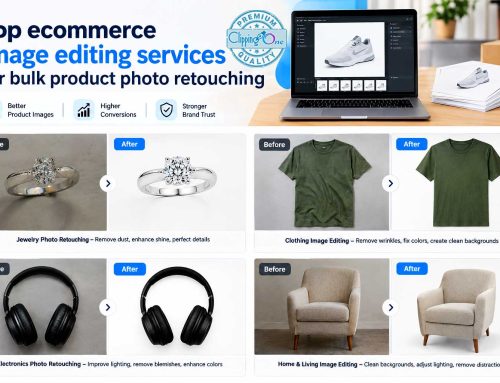
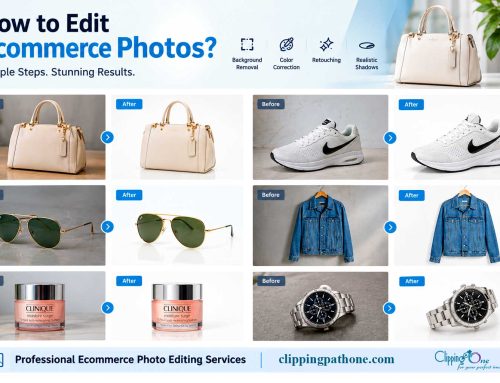
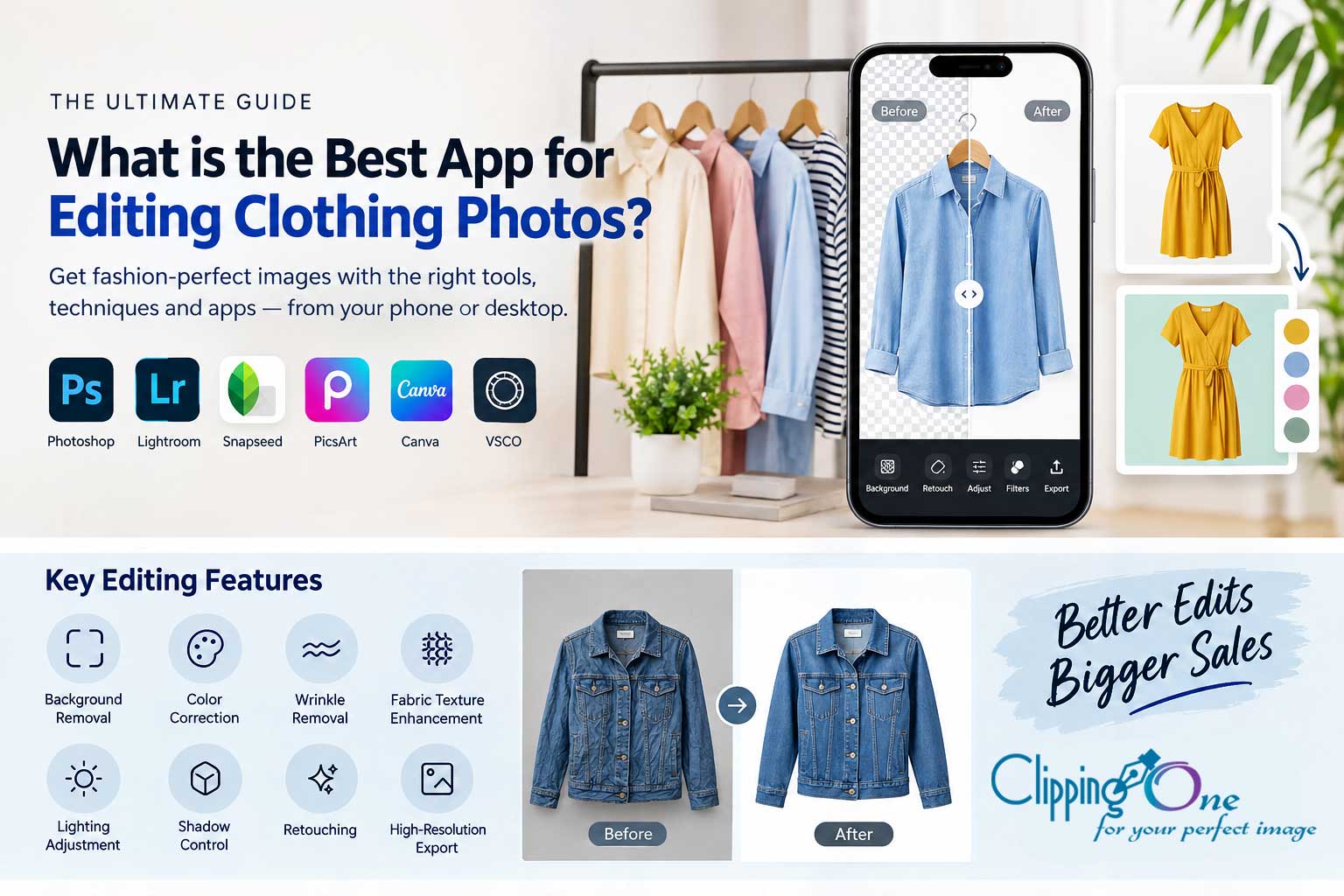
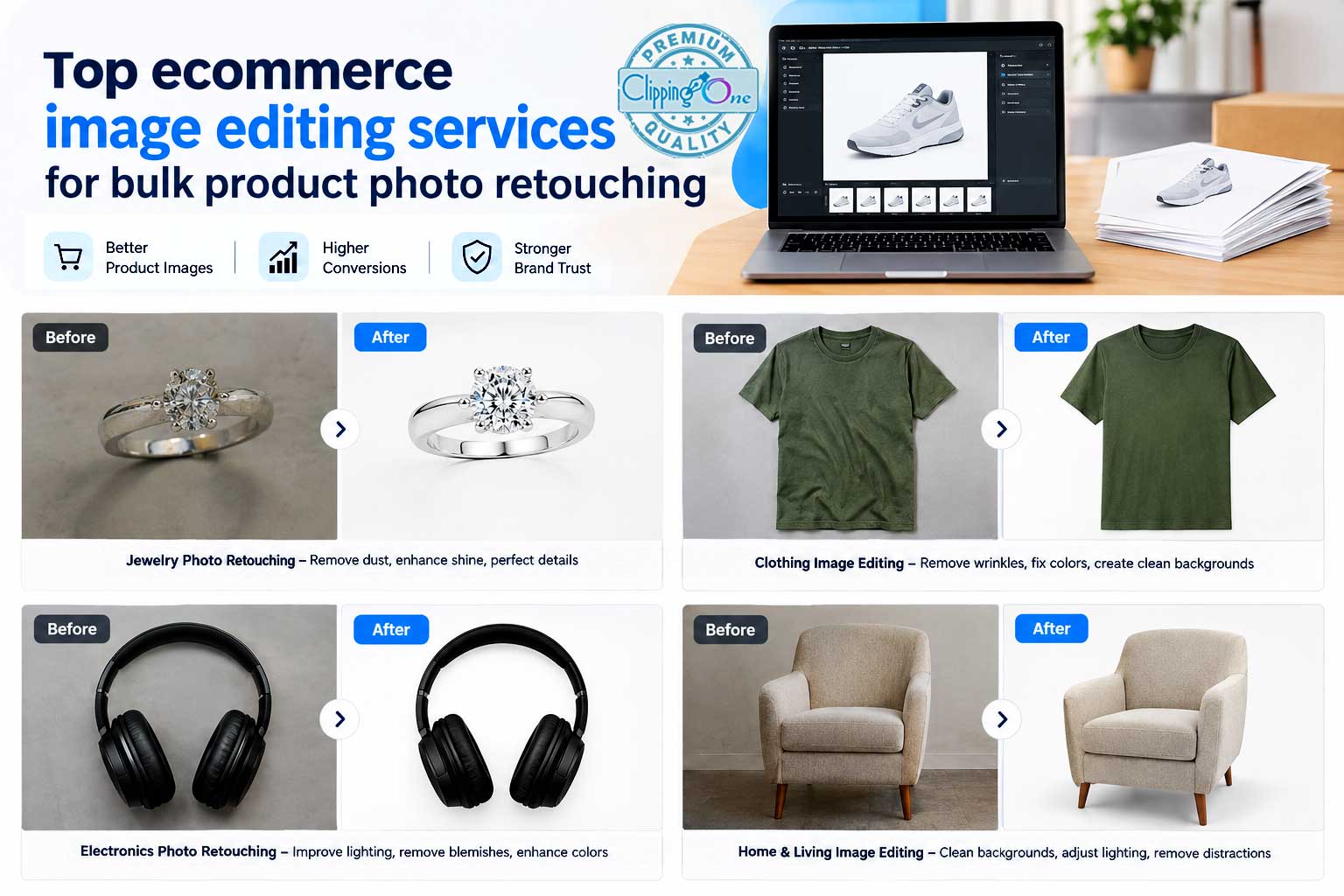
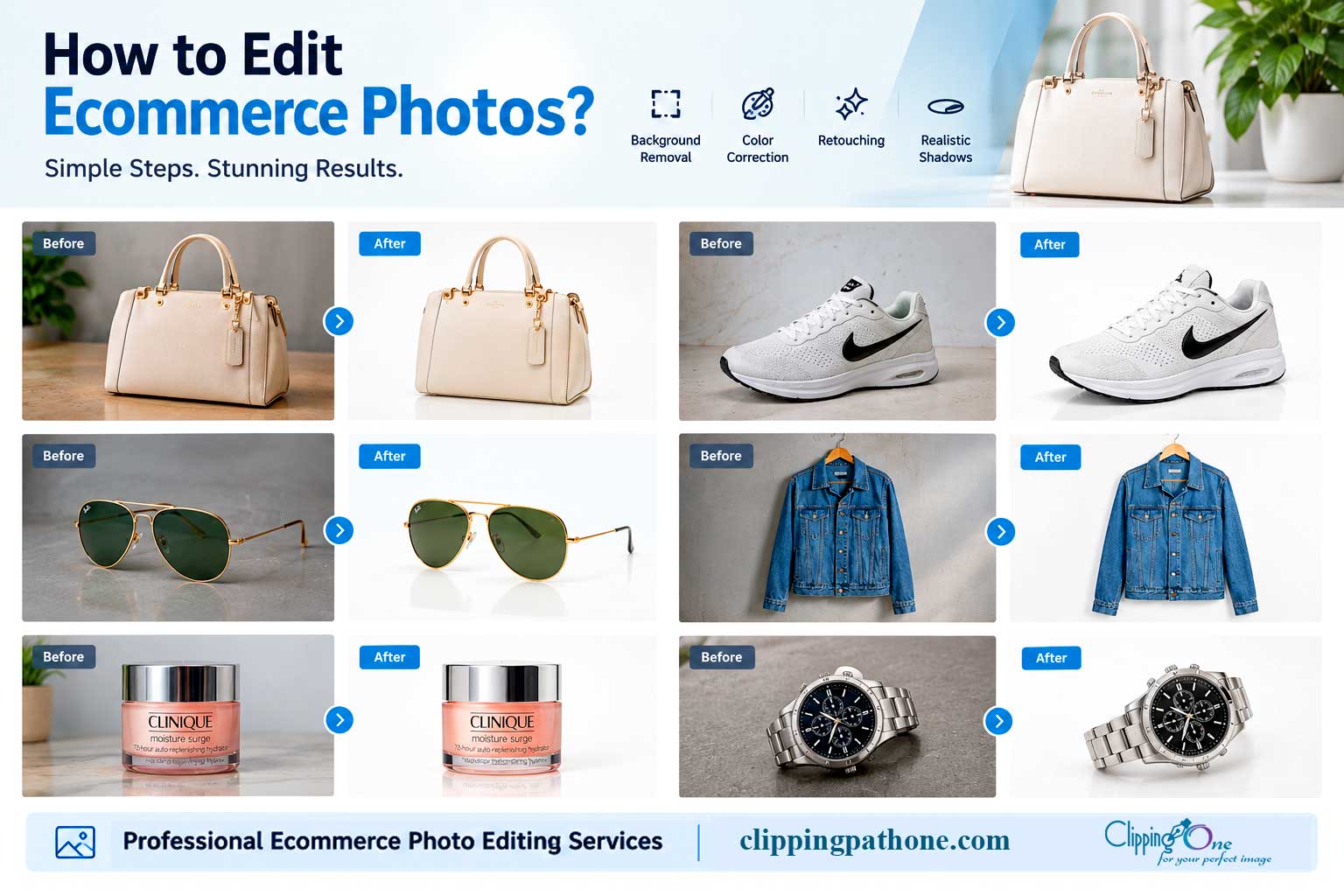
Background removal and clipping path work is the foundation: it produces clean, white-background images for marketplaces and catalog pages. Basic retouching covers dust removal, color correction, and minor blemishes. Advanced retouching goes deeper, handling high-end skin work, jewelry detail enhancement, and lifestyle image compositing.
Ghost mannequin editing is essential for apparel brands that want a three-dimensional, hollow-body garment look without retaining the mannequin in the final image. Shadow creation, whether drop, natural, or reflection, adds realism and depth to product images. Color variant creation lets you show the same product in multiple colorways without reshooting.
Each of these has a specific use case, and a credible vendor offers all of them under one roof. Managing three separate providers for clipping path, retouching, and ghost mannequin work creates version control headaches and inconsistent style across your catalog. Vendor consolidation is one of the most underrated benefits of working with a full-service operation.
Hand editing vs. AI automation: why the difference matters
AI-based editing tools are fast and inexpensive on simple, clean product images. Drop a sneaker on a white background into an automated tool, and the result is often serviceable. The problem starts at complexity: hair, glass edges, jewelry, translucent fabrics, fine filigree, and layered product arrangements consistently defeat automation. Edge artifacts, color fringing, and missed detail on intricate paths are the typical outputs, and none of those are acceptable on a live Amazon listing.
Hand-edited clipping paths, executed by trained retouchers using pen tool precision, catch what automation misses. For marketplaces where image compliance is non-negotiable, this distinction determines whether your images publish or get flagged. Hand editing is the benchmark for professional-grade output, and any vendor worth serious consideration should confirm that your files are touched by human retouchers, not just run through an automated pipeline.
How a product photo editing service structures pricing in 2026
Pricing for product photo retouching varies dramatically, and the variation is not random. It tracks directly to edit complexity, volume, provider tier, and whether the work is AI-assisted or hand-edited. Understanding how rates are built stops you from being surprised by a quote and from making the mistake of treating the lowest number as the best deal.
Per-image price benchmarks by edit type
Current 2026 market rates break down roughly as follows. Background removal runs $0.25 to $1.50 per image, with simple e-commerce cutouts clustering around the lower end and complex or transparent-edge work pushing toward the ceiling. Basic retouching, covering dust, color correction, and light cleanup, typically runs $0.69 to $2.50 per image. Advanced retouching for high-detail work starts around $2.00 and can reach $6.00 or more depending on complexity. Ghost mannequin editing falls in the $0.85 to $3.50 range per image.
A price below the floor on any of these categories is worth investigating. It usually means AI automation with little or no human QC layer, offshore work with no account management, or a bait-and-switch where the base rate applies only to the simplest possible image. Clipping Path One starts at $0.29 per image for background removal with hand editing, which demonstrates clearly that affordable and hand-edited are not mutually exclusive. Price alone is not a quality signal in either direction, but understanding the market floor protects you from both extremes.
Bulk discounts and how volume pricing actually works
Many editing services use tiered volume pricing: the per-image rate drops as your monthly volume crosses thresholds like 100, 500, and 1,000 images. These discount tiers are often not advertised publicly on pricing pages, which means many buyers pay standard rates simply because they didn’t ask. Always request a written pricing table showing the volume tiers and corresponding rates before committing to a vendor.
Before getting quotes, estimate your realistic monthly volume across all product lines and channels. A vendor that looks expensive at 50 images per month may become the most competitive option at 500. Volume pricing also creates an incentive to consolidate your editing needs with a single provider rather than splitting work across multiple vendors, which adds margin to each one and removes your leverage with all of them.
Turnaround time: what realistic SLAs look like for your volume
Every editing service website promises fast delivery. The phrase “24-hour turnaround” appears so frequently that it has become meaningless without context. What you need to understand is what that clock starts on, what batch size it applies to, and what edit complexity it assumes. Without those specifics, a turnaround guarantee is just marketing copy.
Standard and rush turnaround benchmarks for 100+ image batches
For batches of 100 or more images, realistic standard turnaround for simpler edits like background removal runs 12 to 24 hours across most established providers. More complex work, including advanced retouching and ghost mannequin at scale, typically falls in the 24 to 48 hour range for standard delivery. Rush options exist across the market, with providers offering 1-hour to 6-hour express windows for urgent, simpler batches at a premium rate.
These benchmarks are useful as a baseline, but the details matter more than the headline number. Ask specifically whether the SLA covers the entire batch or only a portion of it. Ask whether the clock starts when you send the files or when the provider reviews and accepts the job. A turnaround guarantee should be in writing and attached to specific conditions. Any vendor that can’t answer these questions clearly is over-promising and likely to underdeliver when your launch date is on the line.
Red flags in turnaround promises
Watch for turnaround SLAs with no volume caveat attached. A vendor promising same-day delivery for a 500-image batch of complex apparel without first asking about edit type, file format, or resolution is not running a realistic operation. Professional services ask about complexity and volume before committing to any timeline, because those variables directly determine what’s achievable.
Also be wary of vendors that quote delivery time before reviewing a single sample file. A service that issues a turnaround promise in the first email, without seeing your images, is setting expectations based on its best-case scenario, not your actual project. The first thing a serious vendor does is ask to see representative samples of your files so it can give you an honest estimate.
Quality control: what a real process looks like vs. vague promises
Quality control is the most over-claimed and least-explained feature in this industry. Every provider says they have it. Very few can describe it in operational terms. The ones worth hiring can walk you through the exact stages between an editor finishing a file and you receiving a deliverable. The ones to avoid say “our team checks everything” and leave it at that.
What a legitimate QC workflow includes
A real QC process starts before editing, not after. It begins with a spec review: the team confirms your background color, crop requirements, output format, and platform specifications before a single image is touched.
After editing, a separate reviewer checks the editor’s work rather than the editor reviewing their own output. At the batch level, a set-level consistency check compares images against each other to verify that shadow treatment, white balance, spacing, and crop are uniform across the full catalog. Delivery includes a before-and-after handoff that ties any requested revisions to specific iterations rather than vague round-trip emails.
A vendor that describes these stages in plain language has actually built this process into its operation. One that uses phrases like “rigorous quality standards” without specifics has not. When you’re evaluating providers, ask them to describe their QC workflow step by step. The quality of that answer tells you more than any portfolio image.
Revisions, guarantees, and pay-after-satisfaction billing
Most professional services include one to three free revision rounds per batch, covering reasonable adjustments without additional cost. The stronger providers go further. Pay-after-satisfaction billing flips the standard model entirely: you receive the edited batch, review it against your specs, and pay only when you’re satisfied with the output. Clipping Path One operates on exactly this model, and it’s worth understanding why that structure matters.
Pay-after-satisfaction billing is only financially viable for a provider running a tight, quality-controlled operation. A vendor with high rework rates and inconsistent output can’t afford to let clients review before paying, because too many clients would decline. The willingness to offer this model is itself a signal of operational confidence. For e-commerce sellers who’ve had prepaid services underdeliver and then dispute refunds, this structure is more than a perk, it’s a guarantee you can actually enforce.
Marketplace compliance: platform-ready specs your editor must know
Submitting images that don’t meet platform specifications is an expensive mistake that compounds over time. Amazon suppresses non-compliant listings without always explaining why. Off-spec images on Shopify display awkwardly at different viewport sizes. A competent editing service should know these requirements without being briefed. If you’re explaining Amazon’s image rules to your vendor, you’re working with the wrong vendor.
Amazon image requirements your editing service should handle automatically
Amazon’s 2026 image requirements are clear and non-negotiable for main product images. A competent bulk photo editing service delivers files pre-formatted to these specs as standard practice:
- Background: Pure white (RGB 255, 255, 255), with no shadows, gradients, or props
- Minimum image size: 500 pixels on the longest side; 1,000 pixels or more recommended to activate the zoom function that directly affectsconversion rates
- Maximum image size: 10,000 pixels on the longest side
- Accepted file formats: JPEG, TIFF, PNG, and non-animated GIF (JPEG preferred)
- Color mode: RGB
If you’re doing any of that formatting yourself after receiving deliverables, you’re doing work your vendor should have handled. Amazon image editing expertise isn’t optional, it’s a baseline requirement for any service you hire.
Beyond Amazon: consistency across Shopify, Etsy, and other channels
Multi-channel sellers face an additional challenge: each platform has preferred dimensions and presentation norms that differ from Amazon’s. Shopify product images perform best at consistent square crops with generous padding. Etsy buyers respond well to clean lifestyle-style presentation alongside white-background shots. The core goal for any seller on multiple platforms is visual consistency, the same product should look cohesive and intentional across every storefront, not like it was edited by three different vendors.
Ask any potential editing partner whether they can deliver platform-specific output profiles for each channel you sell on. A capable service produces separate deliverable sets formatted for each destination, not a single master file you then have to resize and reformat yourself. That capability is a clear differentiator between a production-grade operation and a one-off editing shop.
Scalability and file delivery: how the workflow actually runs
Once your image volume exceeds 50 to 100 files per week, the mechanics of how files move between you and your editor become as important as the quality of the edits themselves. The wrong delivery setup creates bottlenecks. A slow onboarding process eats days you can’t afford. A service built for scale has solved these problems in advance, and you’ll be able to tell by how readily it can describe its file handling workflow.
FTP, Dropbox, and API: what delivery options to expect
Most professional editing services support FTP, Dropbox, and direct cloud folder delivery as standard options. Higher-volume clients can often integrate via API for automated file handoff, removing manual upload and download steps entirely once the integration is live. Each option has practical tradeoffs worth understanding before you commit to a workflow.
FTP is reliable for large batches and handles high file volumes without storage caps, but it requires initial setup on both ends. Dropbox is simpler and works immediately but can hit storage limits at sustained high volume. API integrations take longer to configure and may require developer involvement, but they eliminate manual steps once they’re running. For most e-commerce sellers processing 200 to 500 images per month, Dropbox or direct FTP strikes the right balance of simplicity and reliability. For operations above that volume, the API conversation is worth having.
Onboarding timelines and what to expect in the first week
A well-run editing service can take a new client from first contact to full production within a few business days. Simple file-sharing setups via Dropbox or Google Drive can be live the same day. FTP configurations typically take one to two days. API integrations may take up to five business days depending on technical complexity on both sides. The key questions to ask any vendor are what their onboarding checklist looks like and whether they assign a dedicated account contact.
Both details are signals of operational maturity. A checklist means they’ve done this enough times to standardize the process. A dedicated contact means there’s a specific person accountable for your account, not a generic support inbox. Vendors without either tend to handle onboarding informally, which leads to miscommunication, missed style preferences, and rework in the first few batches.
How to trial a product photo editing service before committing to bulk work
No professional editing service should expect you to hand over 500 images before you’ve seen their work on your actual products. A properly structured trial batch is the single most effective evaluation step available to you, and running one takes less than an hour of your time. Any vendor that discourages trial batches or charges prohibitively for them is telling you something about their confidence in their output.
What to send in a test batch and what to evaluate
Send 5 to 10 images that represent your most challenging product types: complex edges, jewelry or glass surfaces, products with fine detail or patterns, and at least one simple image for baseline comparison. The selection should stress-test the vendor’s capability, not showcase your easiest work. When results come back, check edge accuracy on the most complex image, color accuracy on the simplest one, and whether white backgrounds actually hit RGB 255, verifiable with the eyedropper tool in Photoshop, Lightroom, or even Canva.
Also evaluate whether the shadow treatment matches whatever brief you provided and whether the crop and product fill are consistent across the set. A trial batch that impresses you on these metrics is reliable evidence that full production will hold the same standard. A trial batch with even one unexplained artifact or spec deviation is a preview of problems at scale.
Questions to ask before you sign on
Before committing any volume to a vendor, get clear answers to these qualifying questions. They’re not trick questions, they’re basic operational details that any professional service should answer without hesitation.
- Do you hand-edit all images, or do you use AI automation for any part of the process?
- What is your revision policy, and how many revision rounds are included at no additional cost?
- Can you deliver platform-specific output files formatted for Amazon, Shopify, and any other channels I sell on?
- What happens if I’m not satisfied with a delivered batch?
- Do you offer pay-after-satisfaction billing?
A vendor that answers these confidently and with operational specifics is worth shortlisting. One that redirects to marketing language, says “we’ll work something out,” or stumbles on the pay-after-satisfaction question is not. These five questions surface more useful information than reading a dozen testimonials on their homepage.
What separates a reliable editing partner from a one-time vendor
There’s a real difference between a service that handles your next 100 images adequately and one that can grow with you from 100 to 10,000 without quality degradation or workflow friction. The best editing services for e-commerce don’t just deliver files. They function as an extension of your production team, with the consistency and accountability that implies.
The operational markers of a long-term editing partner
A reliable partner maintains consistent output quality across months of production, not just during the trial period when you’re paying close attention. It remembers your style preferences, output specs, and naming conventions without needing a reminder on every order. It flags problems proactively: if your source file resolution is too low for Amazon’s zoom requirement, a good vendor tells you before editing, not after processing 200 images at the wrong size. Around-the-clock availability for time-sensitive product launches and pricing that scales favorably with volume, rather than penalizing growth with opaque surcharges, round out what a genuine long-term partner looks like.
You can test for these markers during a trial batch by asking a few operational questions: how do you store my style guide between orders, what happens if I submit files at the wrong resolution, and who is my contact if I need to reach someone outside business hours? The specificity of the answers tells you everything.
Why the pay-after-satisfaction model is the clearest confidence signal
Any service that requires full payment before you’ve seen a finished image is protecting itself, not you. That billing structure places all the risk on the buyer and none on the provider, precisely backward for a service relationship. The pay-after-satisfaction model inverts this: you see the work, evaluate it against your specs, and then pay. Clipping Path One runs on exactly this model, and it works operationally because the company has built a QC process rigorous enough to absorb that risk.
This billing structure represents something genuinely different from the standard prepaid model. It’s not just a feature, it’s a structural guarantee that the vendor is accountable for results, not just delivery. If a service can’t offer this model or won’t explain why, that’s your answer. Move on and find one that can.
Choosing the product photo editing service that fits your operation
Choosing the right product photo editing service comes down to four decisions: what quality level your products demand, what turnaround your sales calendar requires, what pricing your margins can sustain, and what workflow your team can realistically manage. This guide gives you concrete benchmarks for each. The trial batch framework gives you a repeatable process to test any vendor before you commit volume. And the pay-after-satisfaction standard gives you a clear filter: if a service won’t let you approve images before paying, keep looking.
Professional, hand-edited, marketplace-compliant image editing is available at competitive pricing. You don’t have to choose between quality and affordability, and you don’t have to settle for automated outputs on complex product images just to stay within budget. Services that combine hand editing, 24/7 availability, fast turnaround, and satisfaction-first billing do exist. Clipping Path One is one of them, requesting a quote or submitting a free trial batch takes less than five minutes.
The evaluation framework is in your hands. Apply it rigorously, run the trial, ask the hard questions, and choose the partner built for where your catalog is going, not just where it is today.
FAQ’s:
What services are included in a typical product photo editing service?
A full-service provider covers clipping path/background removal, basic retouching (dust removal, color correction), advanced retouching (high-end skin work, jewelry detail, compositing), ghost mannequin editing, shadow creation (drop, natural, reflection), and color variant creation. Credible vendors bundle these under one roof so you don’t have to manage separate providers for clipping path, retouching, and ghost mannequin work.
How do hand editing and AI automation differ for product photos?
AI tools can be fast and cheap for simple, clean images but often fail on complex edges like hair, glass, jewelry, and translucent fabrics, producing artifacts and missed detail. Hand-edited clipping paths and retouching by trained retouchers catch those issues and are the benchmark for marketplace compliance where mistakes can lead to suppressed listings on Amazon; services like Clipping Path One highlight hand-edited output and pay-after-satisfaction billing.
What should I ask a photo editing vendor before handing over my Dropbox or other files?
Ask which edit types they support, whether work is hand-edited or automated, turnaround times and SLAs, pricing and volume discounts, revision policy and sample/trial options, and how they handle file security and scalability. Those questions map directly to the four decision pillars in the guide: quality, turnaround, pricing, and scalability.
How is pricing for product photo editing structured in 2026?
Pricing tracks directly to edit complexity rather than being random: simple background removal is cheaper, while advanced retouching, ghost mannequin work, shadow creation, and color-variant production increase per-image cost. Vendors may offer per-image, per-project, or volume discounts and different billing models (including pay-after-satisfaction), so confirm what’s included in the quoted price.
What are the main red flags when evaluating a product photo editing service?
Major red flags include providers that rely solely on automated pipelines with no human review, unusually low prices with no samples, vague turnaround or revision policies, inability to scale, and having to manage multiple specialized vendors that produce inconsistent style. Any of these can lead to suppressed Amazon images, lower conversion rates, and time-consuming revision cycles.
Why consolidate clipping path, retouching, and ghost mannequin work with one vendor?
Vendor consolidation reduces version-control headaches, ensures a consistent visual style across your catalog, simplifies communication and revisions, and speeds throughput. Managing separate providers for each specialty often creates inconsistent presentation and extra coordination work that hurts conversion and operational efficiency.
How do I pick a vendor when I need fast turnaround for a large catalog?
Prioritize vendors that can scale production with clear SLAs, parallel processing, and transparent turnaround times, and ask for sample batches or trials before committing your entire catalog. Confirm their revision policy and whether they offer rush options or staged delivery—this prevents last-minute surprises when your Amazon listing or launch timeline is fixed.